Part 3 Login and app navigation
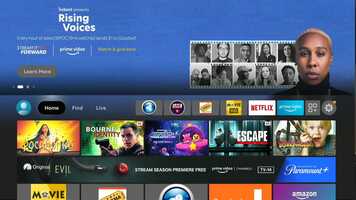
This is the free video Part 3 Login and app navigation that can be downloaded, played and edit with our RedcoolMedia movie maker MovieStudio free video editor online and AudioStudio free audio editor online

VIDEO DESCRIPTION:
Play, download and edit the free video Part 3 Login and app navigation.
Part 3: Logging in and navigating your apps
Written Instructions & Timeline:
0:25 - Cinema HD tutorial
3:10 - Movie HD activation & tutorial
Get your free Movies HD activations code here: https://appmoviehd.info/ (must use gmail)
6:36 - Logging in to Live Tv app
Open "Live Tv" app
Click "Login"
Select "Account Login"
Name: (enter any name)
(Next)
Username:
Password:
(Uncheck VOD)
(Next)
Wait for it to process then click "Done"
On the next screen you will get a black box in the upper right hand corner. Wait 30 secs guide to populate
Click select on one of the channels to start live tv
9:45 - demo of Live Tv app
12:37 - IMPORTANT - settings for Live Tv app
Hold down the select button on your remote until a menu appears on the right side.
Scroll to the bottom gear logo (settings)
Select "Tv guide"
Select "Past Days to Keep TV guide"
Change to 1
Select "update internal, hours"
Change to 2
Turn ON update app on start
Turn ON update on playlist change
Click back button (left of home button on remote)
Select "Playback"
Select "Buffer Size"
Change it to large
Hit the back button twice
To see channel categories hit the LEFT button NOT back button
Download, play and edit free videos and free audios from Part 3 Login and app navigation using RedcoolMedia.net web apps